Revisions are where takeoff time goes to die: a new set arrives, and everything you measured lives on the old one. Groundwork Takeoff treats a revision as what it is — a new document linked to the old one, with your takeoff data migrated across a page mapping you control.
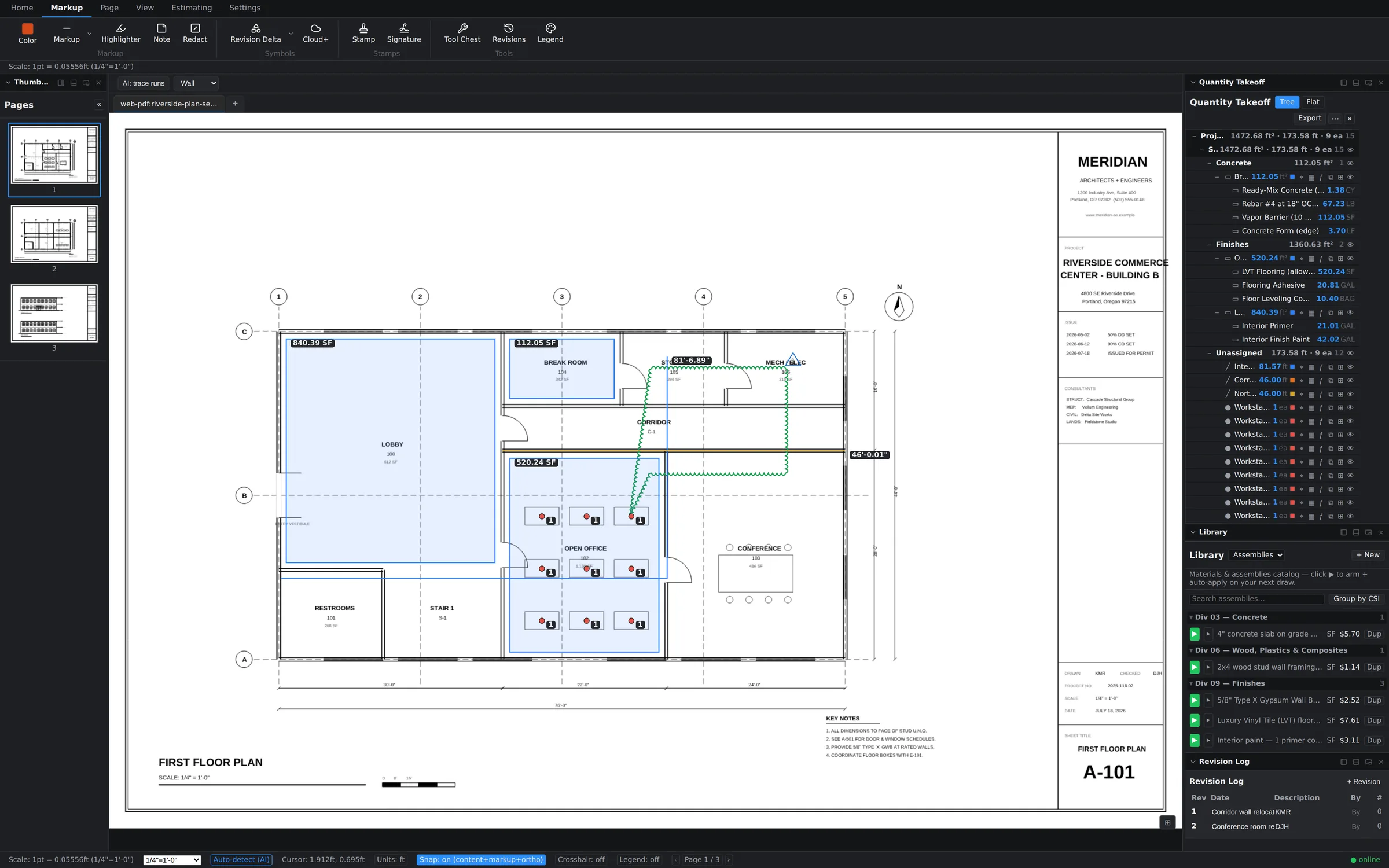
Migrating takeoff data
- Add the revised set to your library, open your ORIGINAL document, and choose Rev… on the revised set's library row.
- The app reads sheet numbers from both sets' title blocks and proposes a page mapping — A-101 to A-101 even when the sheet moved position. Every row is editable, and any page can be set to don't migrate.
- The dialog shows a live count of what will migrate and what will drop before you commit.
- Migrate, then open the revision — takeoffs, markups, bookmarks, calibration, and sheet names arrive on their mapped pages.
What the migration protects
- Nothing is overwritten. Migration only adds — work already on the revision is never replaced, and re-running a migration is safe.
- Scale comes along. Per-page calibration follows the mapping, so migrated measurements keep their real-world quantities.
- Old and new stay linked. The revision link is recorded on the document (surfacing that history in the library view is on the roadmap). Linking needs the open document to be synced to your library — if it isn't yet, the dialog says the link was skipped.
Honest limits
- Layer and folder organization doesn't migrate (both are per-document by design); the takeoffs themselves do.
- Dropped pages drop their objects — the dialog warns loudly when drops outnumber migrations.
- Sheet matching scans the first 100 pages of each set (the dialog says so); pages beyond that map by position and stay editable.
- With no active project the migration is saved on this device only, and a revision belonging to a different project is blocked with an explanation — open it under its own project instead.
- After migrating, re-measure the areas the revision actually changed — the compare overlay shows you exactly where those are.