Groundwork Takeoff is built for teams that split a bid — one person on concrete, another on finishes, both working the same plan set at the same time. It is also built for the reality that jobsite Wi-Fi is a rumor. This article explains what happens in both situations.
Real-time multi-user sessions
When two or more people open the same project, they are in a shared live session — no "check out" step, no file locking, nothing to merge later.
- Every markup syncs. Draw an area, place a count, drop a revision cloud — teammates see it appear on their screen within moments, along with the quantity it adds to the takeoff tree.
- Live presence. You can see who else is in the project and where they are working, so two people don't unknowingly measure the same corridor twice.
- Edits merge cleanly. Sync happens change-by-change, not file-by-file. If you move a boundary while a teammate renames the subject, both edits land — nobody's work overwrites anybody else's.
- Undo stays yours. Pressing Ctrl+Z undoes your last action, not your teammate's. You can work aggressively without worrying about stepping on someone else's history.
Offline-first: the connection is optional
Groundwork Takeoff treats your machine as the source of truth and the cloud as the messenger. Everything you draw is committed locally first, then synced. That means:
- Losing connection changes nothing about how you work. Keep measuring, counting, and marking up. There is no read-only fallback, no spinner, no "reconnecting…" interruption.
- Your work is safe the instant you draw it. Closing the laptop in a dead zone doesn't lose anything — it's already stored on your device.
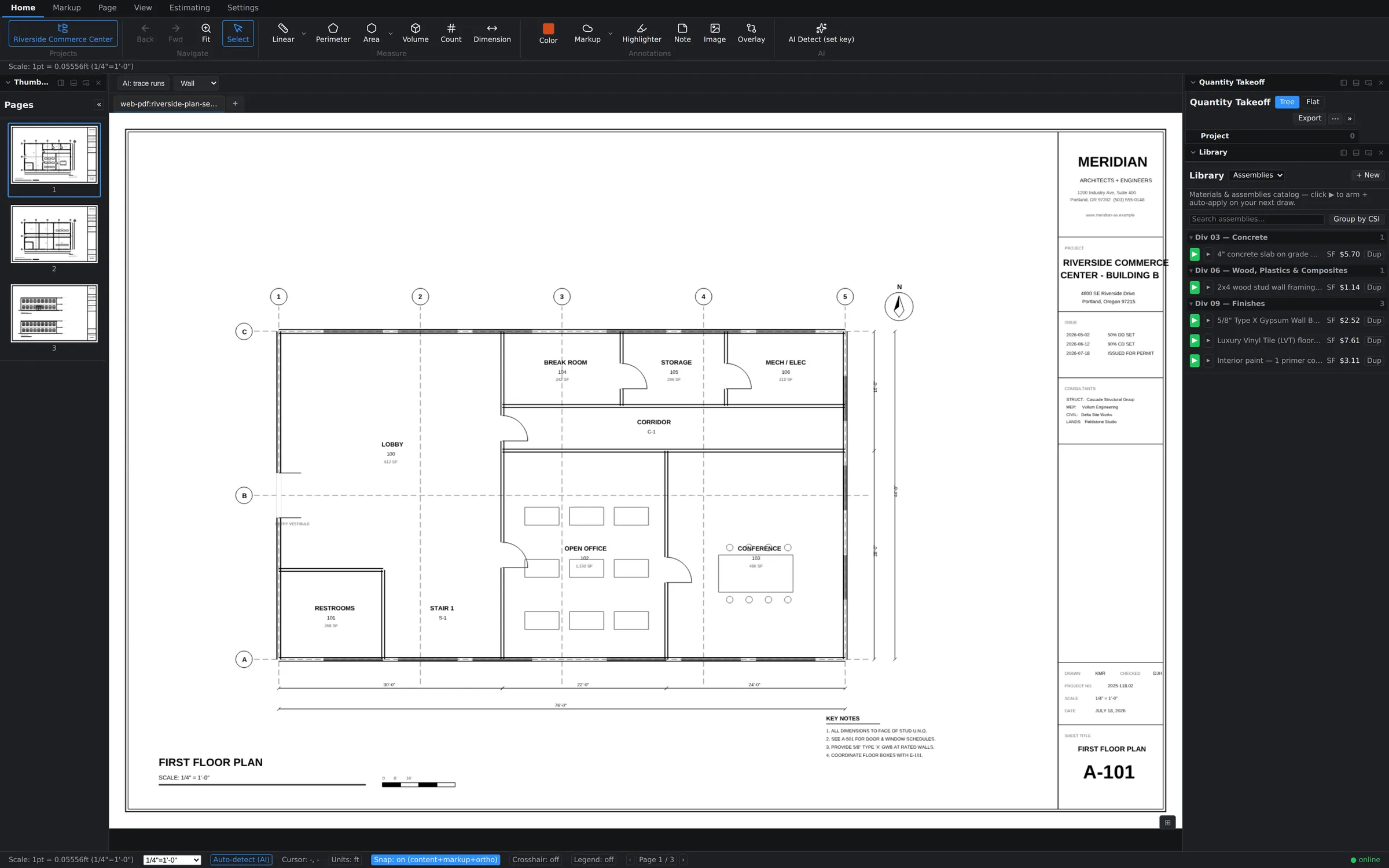
- Reconnection is automatic. When the connection returns, everything you did offline syncs up, and everything teammates did while you were away syncs down. The status bar's connection dot tells you at a glance whether you're online.
What to expect after a long stretch offline
Offline work merges the same way live work does — change-by-change — so even a full day of trailer takeoff folds back into the shared project without conflicts. One licensing note: a signed-in device can keep working without a connection for up to 14 days before it needs to phone home to reconfirm your seat. Details are in Plans, seats & devices.