Support at Groundwork is a person, not a ticket-deflection maze. Whichever route you use below, your report lands with a human, and the typical first response is the same day.
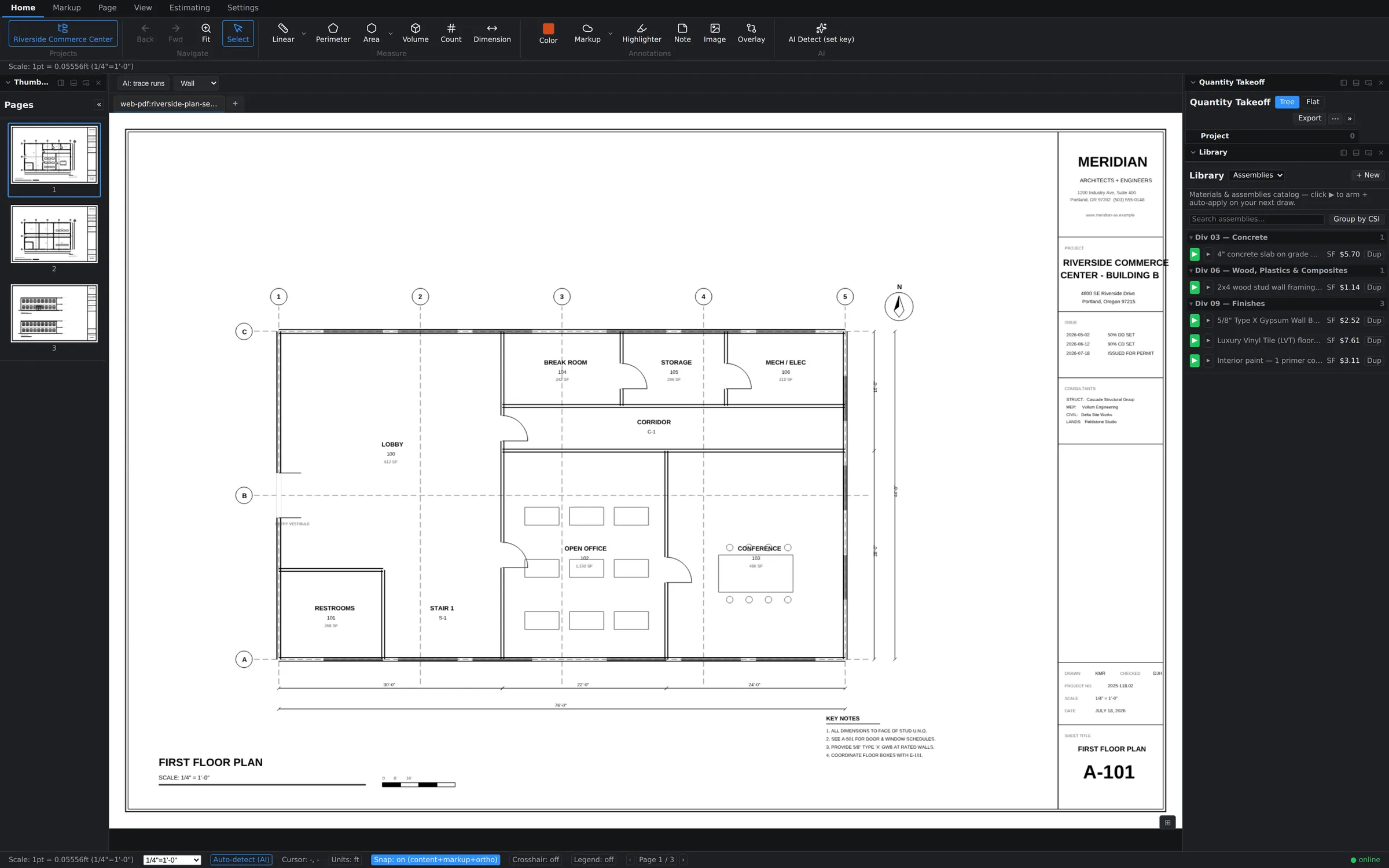
Option 1: Report a Problem from inside the app
This is the best route for bugs, because the app does half the reporting for you.
- Open the Settings tab.
- In the Support group, choose Report a Problem.
- Describe what happened and send.
The report automatically attaches your app version and diagnostic details — the technical context we'd otherwise have to ask you for over two or three emails. You never have to hunt for a build number or explain what machine you're on; it travels with the report.
Option 2: the website ticket form
If you can't get into the app — sign-in trouble, licensing questions, or a crash at launch — use the ticket form at takeoff.groundworkai.io/support.html. It's the same queue and the same humans; you'll just want to mention your app version yourself since the form can't detect it.
What to include for the fastest fix
The difference between a same-day fix and a week of back-and-forth is almost always the first message. Include:
- The steps you took, in order — "opened the project, switched to the Estimating tab, clicked Export Excel" beats "export is broken." If we can reproduce it, we can fix it.
- Which sheet and project you were on. Many issues are specific to one drawing — a scanned page, an odd scale, a huge sheet — and knowing where to look cuts diagnosis time enormously.
- What you expected vs. what happened. Sometimes the software is behaving as designed and the real fix is a better answer or a doc improvement — that's worth knowing fast, too.
- Screenshots (or a short screen recording). One picture of an error message or a misplaced measurement often ends the investigation on the spot.
What happens next
You'll get a reply from a person — usually the same day — with either a fix, a workaround, or a precise follow-up question. Bug reports feed directly into the release process, so "known issue, fixed in the next update" is a common and honest answer, and you'll see those fixes noted on the What's new page.