Groundwork Takeoff speaks MCP (Model Context Protocol), the standard AI assistants like Claude use to work with your tools. There are two connections, and they do different jobs.
1 — The hosted MCP: your cloud data
The hosted endpoint gives an assistant read access to your organization's takeoff data — projects, documents, takeoffs, catalogs — from anywhere, authorized by a personal access token you mint in the app.
Step 1 — Mint a personal access token (PAT)
- Sign in to Groundwork Takeoff and open View → Panels → API Tokens.
- Name the token for the tool that will use it (e.g. claude-desktop) and click Mint.
- Copy the
gw_pat_…value immediately — it is shown exactly once. Only its hash is stored; if you lose it, mint a new one and revoke the old from the same panel.
A token is scoped to your organization and honors your role: read tools work for any member; catalog writes require estimator-level access. One token per tool makes revoking painless.
Step 2 — Connect your AI tool
Claude Code (terminal): one command, then /mcp shows the server connected.
claude mcp add --transport http takeoff \
  https://cmmbsfdpxdnzznwiskww.supabase.co/functions/v1/mcp \
  --header "Authorization: Bearer gw_pat_YOUR_TOKEN"
Claude Desktop: the connector UI can't attach custom headers yet, so add it through the config file (Settings → Developer → Edit Config) using the mcp-remote bridge (needs Node.js installed):
{
  "mcpServers": {
    "takeoff": {
      "command": "npx",
      "args": ["-y", "mcp-remote",
               "https://cmmbsfdpxdnzznwiskww.supabase.co/functions/v1/mcp",
               "--header", "Authorization: Bearer gw_pat_YOUR_TOKEN"]
    }
  }
}
Fully quit and reopen Claude Desktop (Cmd+Q on macOS) — takeoff appears in the tools menu.
Cursor, Windsurf, and other MCP clients: any client that supports streamable-HTTP MCP servers works — supply the endpoint URL and the Authorization: Bearer gw_pat_… header in its MCP settings. Clients that only speak stdio can use the same mcp-remote bridge shown above.
Step 3 — Try it
Ask things like "total linear feet of interior wall across the Riverside project", "build me a material list for the Kuilima East takeoff", or "which assemblies do we have for concrete?" — the assistant queries the same data your estimate grid reads. Eight tools are exposed: projects, documents, takeoff summaries, assemblies (read and create), and material lists.
2 — The live-app MCP: the document on your screen
The desktop app can also host a local MCP server so an assistant works on the document you have open — listing its takeoffs, applying assemblies, and generating takeoff items through the app's sandboxed scripting engine. Every write it makes is one undo step, and the same money-safety rules that govern your own clicks govern the assistant's.
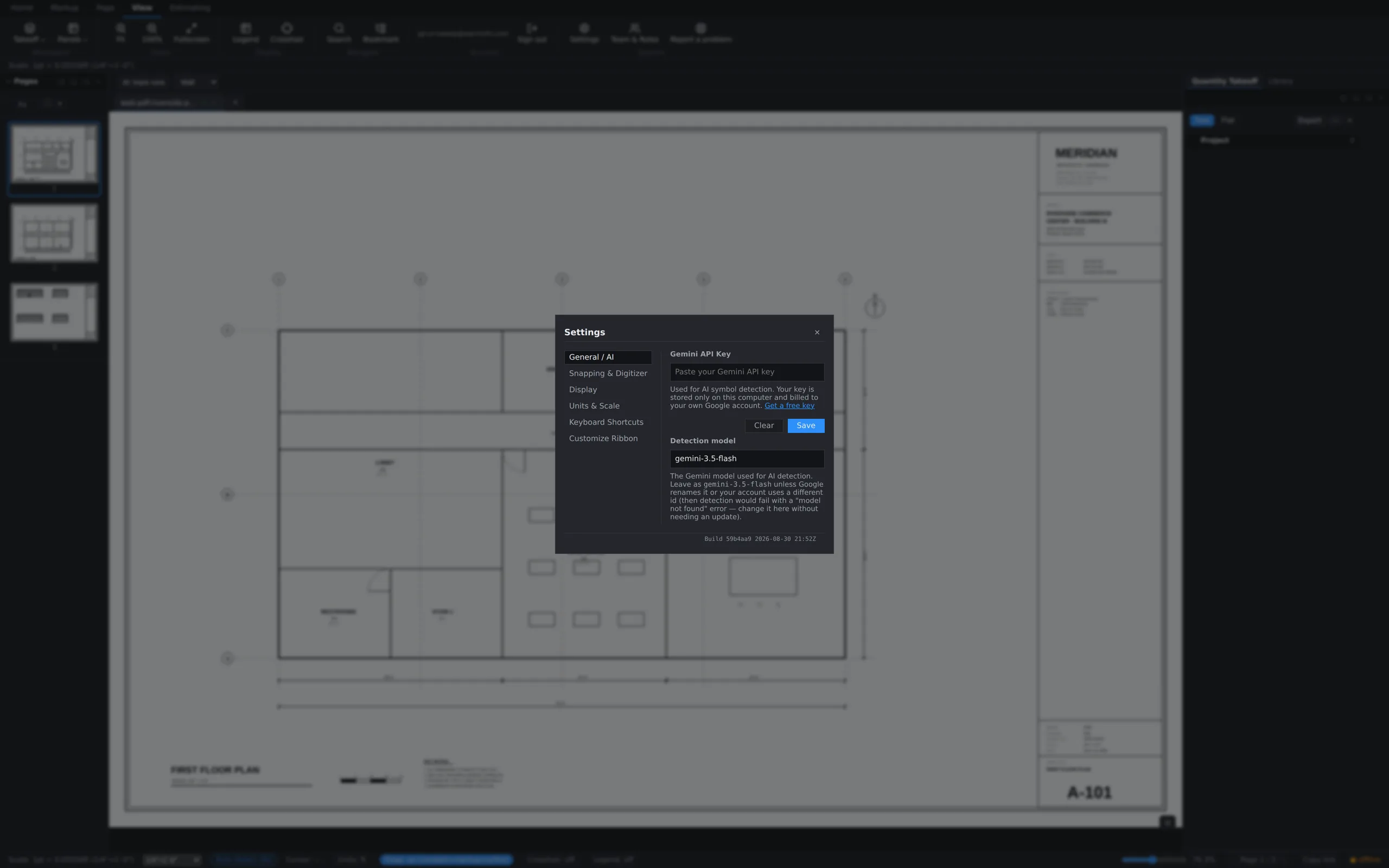
Turn it on in Settings → General / AI. It's off by default, listens only on your own machine (127.0.0.1), and every request needs the bearer token the app mints when you enable it — the settings panel gives you the exact claude mcp add command to copy. Regenerate token instantly locks out anything using the old one (the port changes too, so re-run the claude mcp add command from the panel).
Troubleshooting
- 401 / "Invalid or missing access token" — the token was mistyped, revoked, or you've since left the organization. Check the whole
gw_pat_…string sits afterBearer, then check the token's row in the API Tokens panel; mint a fresh one if in doubt. - Server shows "disconnected" in Claude Desktop — config JSON has a syntax error (trailing comma is the classic), or Node.js isn't installed for
npx. - A valid token stops working after a role change — write tools follow your current role, so a demotion narrows what a token can do.
- "Last used" in the API Tokens panel is your friend: it updates on every successful call, so a token that authenticates shows a fresh timestamp within seconds.
Security posture
- Both connections are token-gated. The live server is additionally OFF by default; the hosted endpoint exists once deployed, and minting a token is what grants access.
- The live server never leaves your machine, and the token is stored on that device — on a shared computer, treat it like a password.
- A hosted token is scoped to ONE organization; catalog writes require an org-wide admin or estimator level. Custom roles and the permission matrix are not yet applied to hosted MCP reads — treat a PAT as org-wide read access, and only hand one to someone you'd give that.